
In my last post I mentioned the pleasure the WiiM Mini streamer had brought me as I ride the chemotherapy train.
A small and cheap device that allows me to listen to a world of music and words through my also cheap but excellent bookshelf speakers.
So how does it work?
The streamer itself connects to WiFi and then offers a number of of ways to get sound in. There is a simple 3.5mm analogue input, Bluetooth and WiFi. It supports Apple AirPlay 2 as an input so you can stream to it from an Apple device.
It can output unamplified analogue audio over another 3.5mm analogue connection and digital audio over an optical SPDIF connector. And it’s powered by a standard USB-C connector.
Because its output is unamplified mine is connected to my powered speakers via optical with the DAC in the speakers doing an excellent job of converting the bits to waves. And yes, I run the connection at 16bit/48kHz as there is no point in anything higher.
It’s easy to set up. The excellent iOS app (also available on Android but untested by me) took less than 5 minutes to connect it to my mesh network, update the firmware, configure the settings and start playing music.

The interface is straightforward.
You can select the input from Line In, Bluetooth or WiFi.
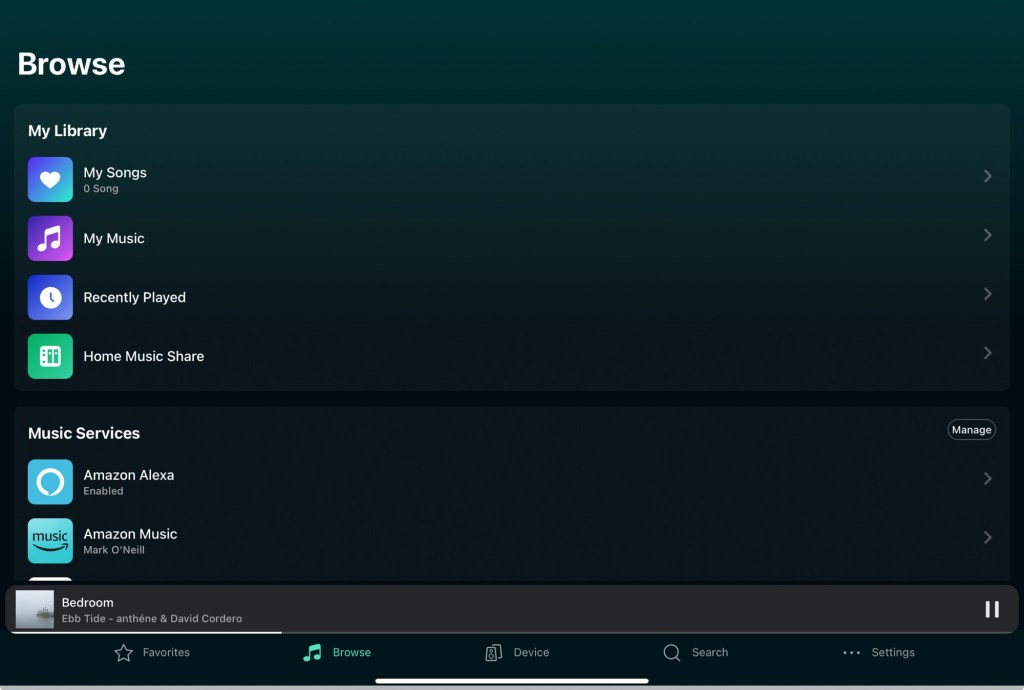
You can then Browse to available sources. The main choice is between local sources like a NAS or online sources like Spotify or streaming radio services.
I have two NAS devices that contain my iTunes library and are slowly being filled with my Bandcamp purchases 🙂
You just select the NAS, in this case it’s running the Twonky DLNA server (free) and it’s as simple as just choosing the file.


You can also choose from a range of online services like Spotify from the Browse option.

Thankfully you can turn off the ones you are not interested in to give you a much more manageable selection.

“Spotify” opens the Spotify app and you just choose the WiiM Mini as the output and away you go. It all then works seamlessly.
“Open Network Stream” allows you to add sources like SomaFM.

The Favourites option allows you to quickly create a list of presets which you can select at the touch of a button.
The WiiM Mini comes with a small but useful remote and the first 4 presets are mapped to the 4 channel buttons on the remote which is ideal for a bear with brain fog or exhaustion.
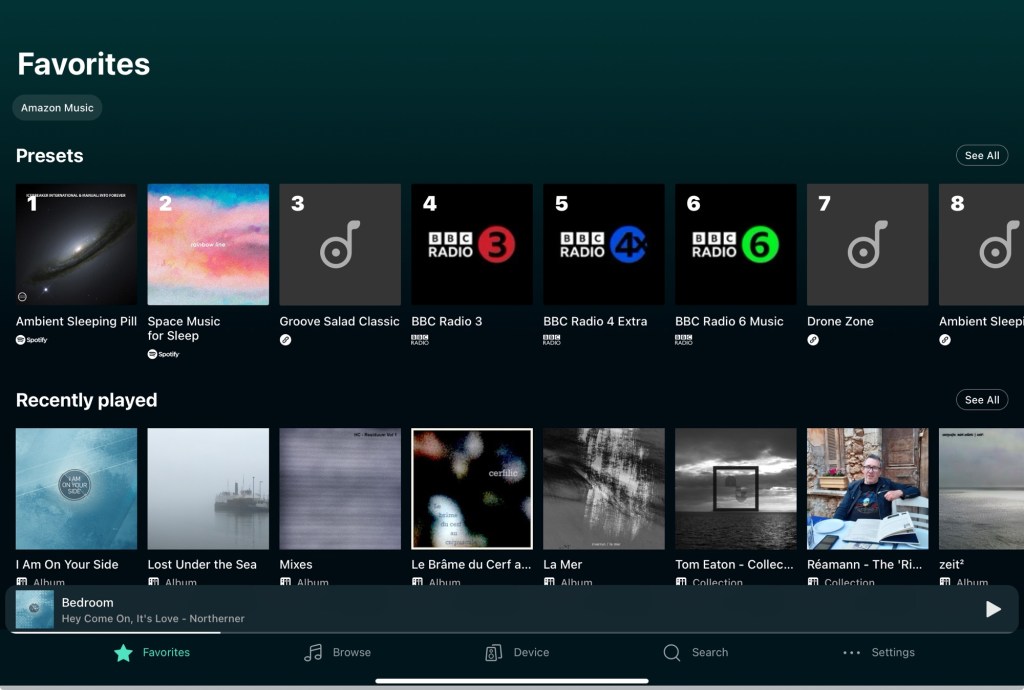
And that’s it. The app is updated frequently as is the device firmware.
If you are an audio geek then you have all the EQ controls imaginable as well as being able to choose higher bit rates and sizes.


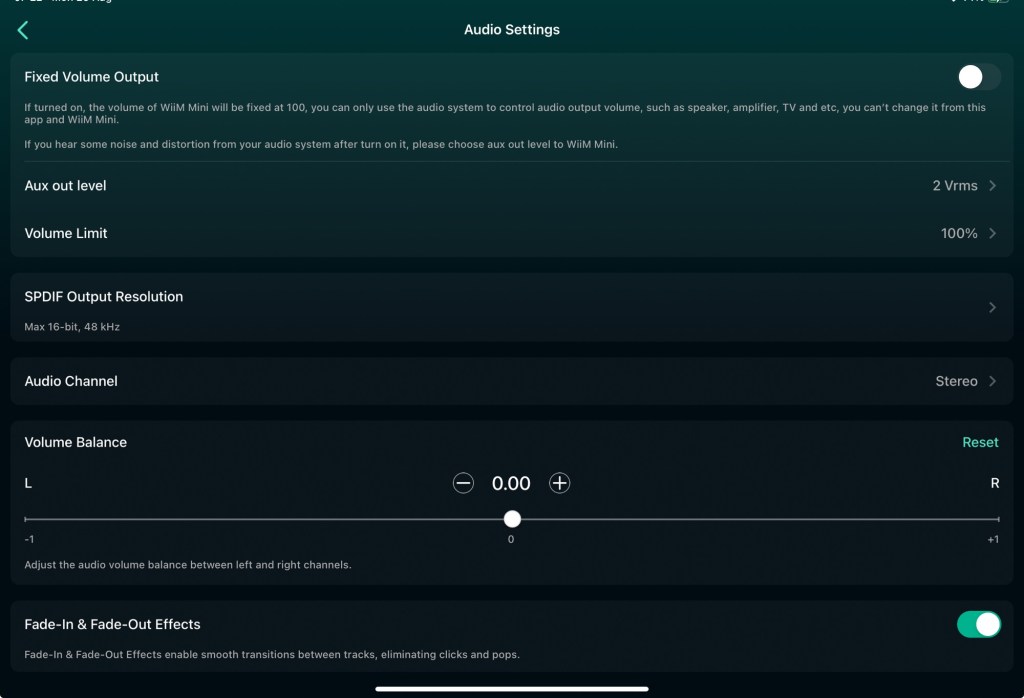
The WiiM Mini is the smallest member of a family of devices which add features but they all support the same app and you can actually create a kind of multi room audio mesh network so the sound fills the house.
Which sounds lovely but not really something a poorly ursine requires right now.
Anyway, the best £150 I have spent all year was this and the speakers 🙂
 Mark O'Neill